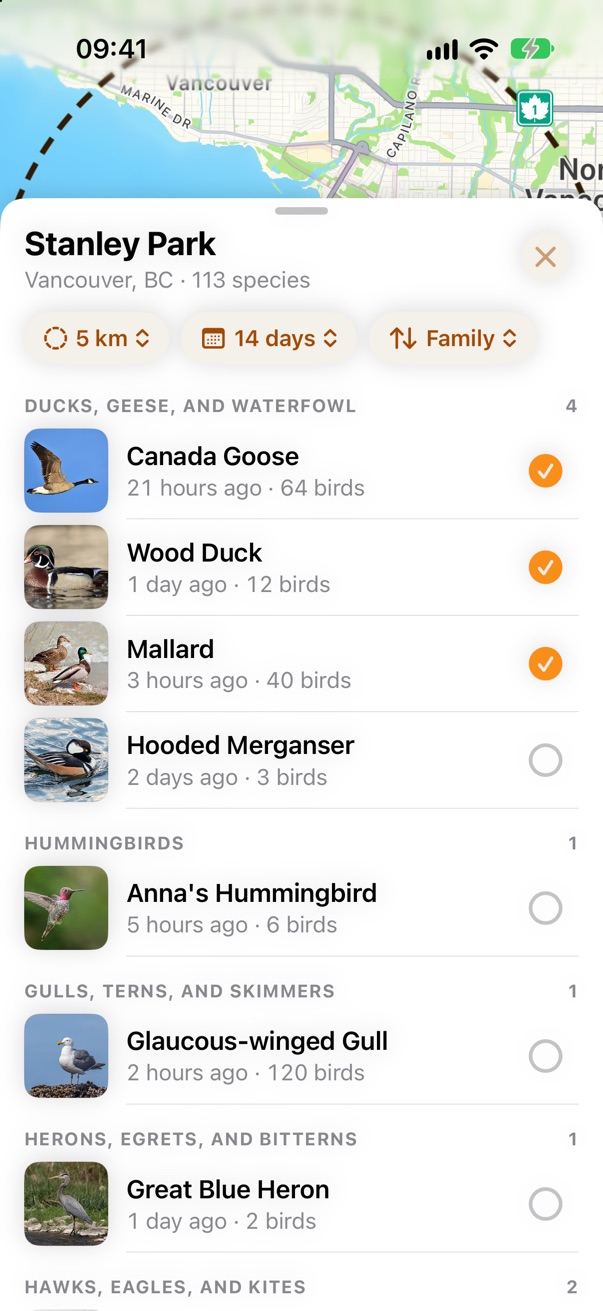
Birds sorted like a field guide
The Nearby list groups species under their family, in field-guide order: all the sparrows together.
What changes in Birds Near Me 2, one card at a time.
Seventeen changes, big and small. Most of these pictures are from the redesign mockup, because the app doesn't do these things yet; the Layout page shows the app as it is today next to them. Tap any picture to see it big.
The Nearby list groups species under their family, in field-guide order: all the sparrows together.
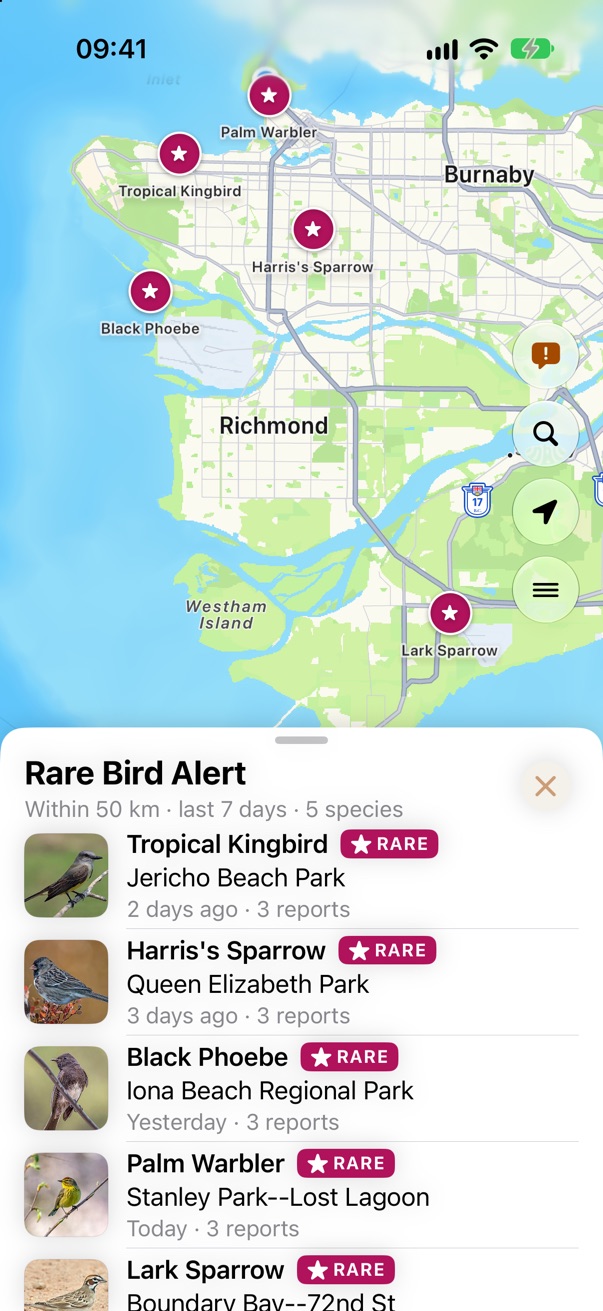
Anything eBird flags as notable gets a magenta Rare tag in every list and a magenta marker on the map.
Rare sightings within 50 km in the last week, newest first, one button away on the map.
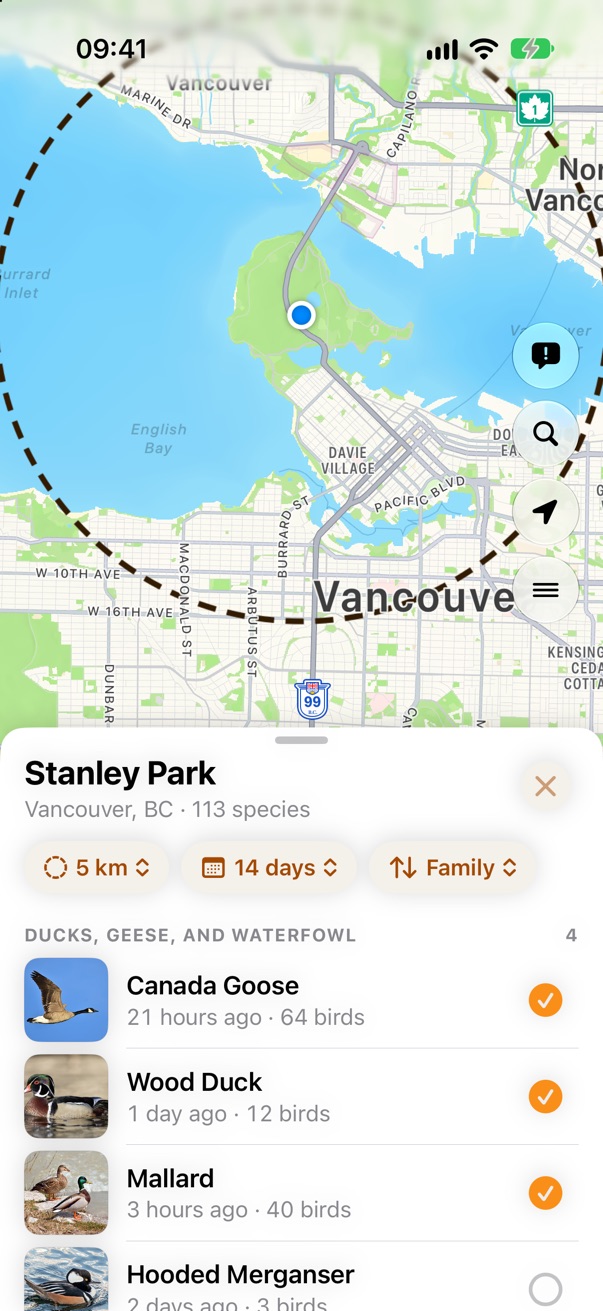
One tap on a row puts the bird on today's list. No forms and no account.
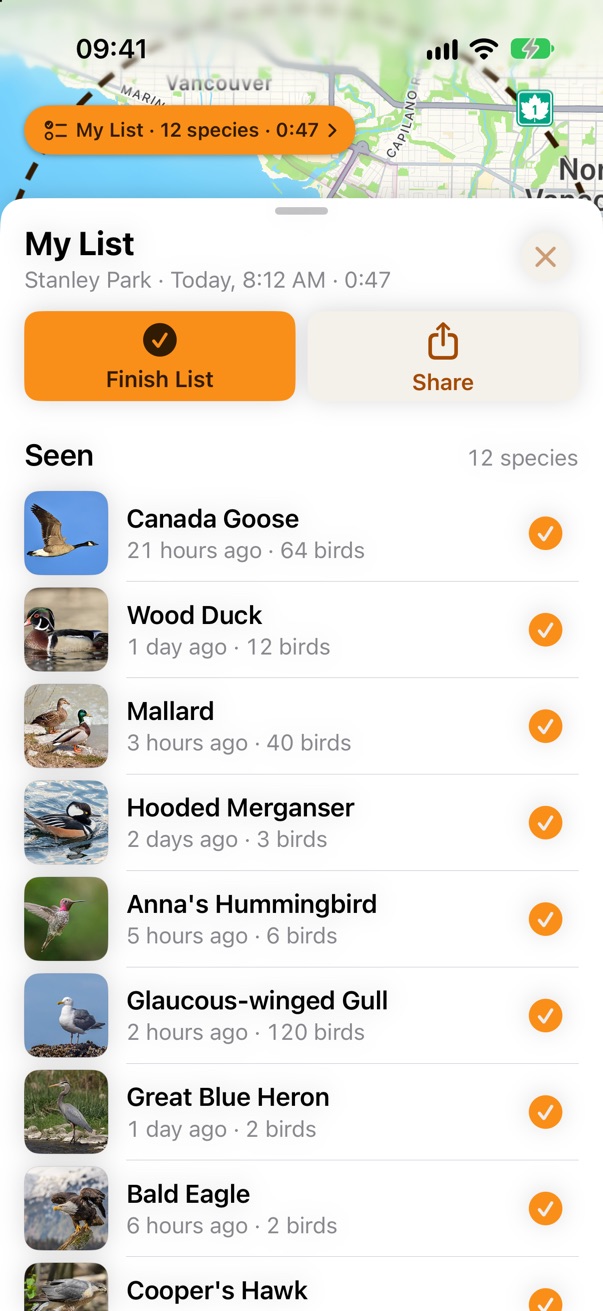
Finish a list and it goes to eBird as a file. Your lists stay on your phone.
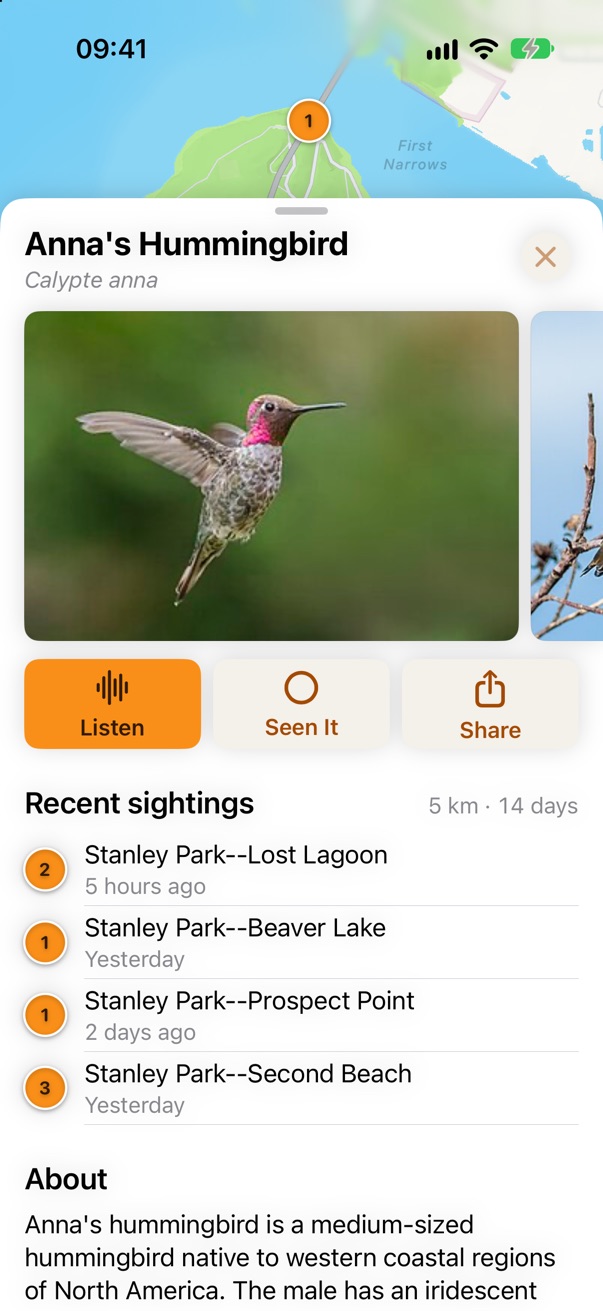
A species opens on a strip of big photos. Swipe for more, tap for full screen.
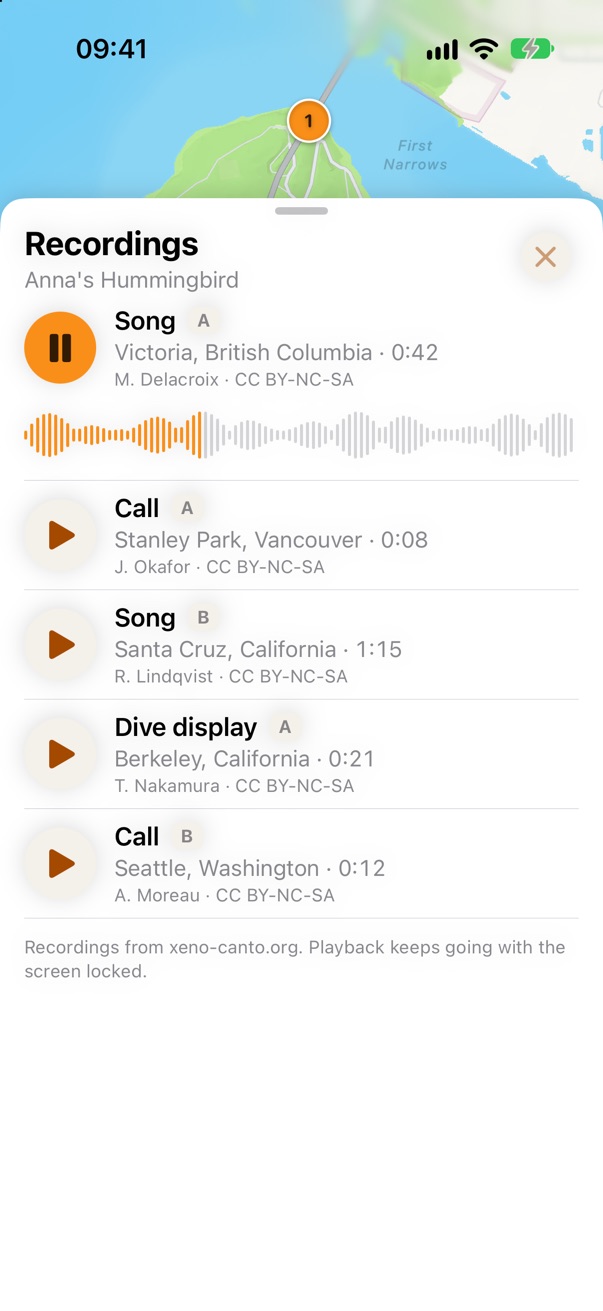
Songs and calls from xeno-canto play right in the sheet, and keep playing with the screen locked.
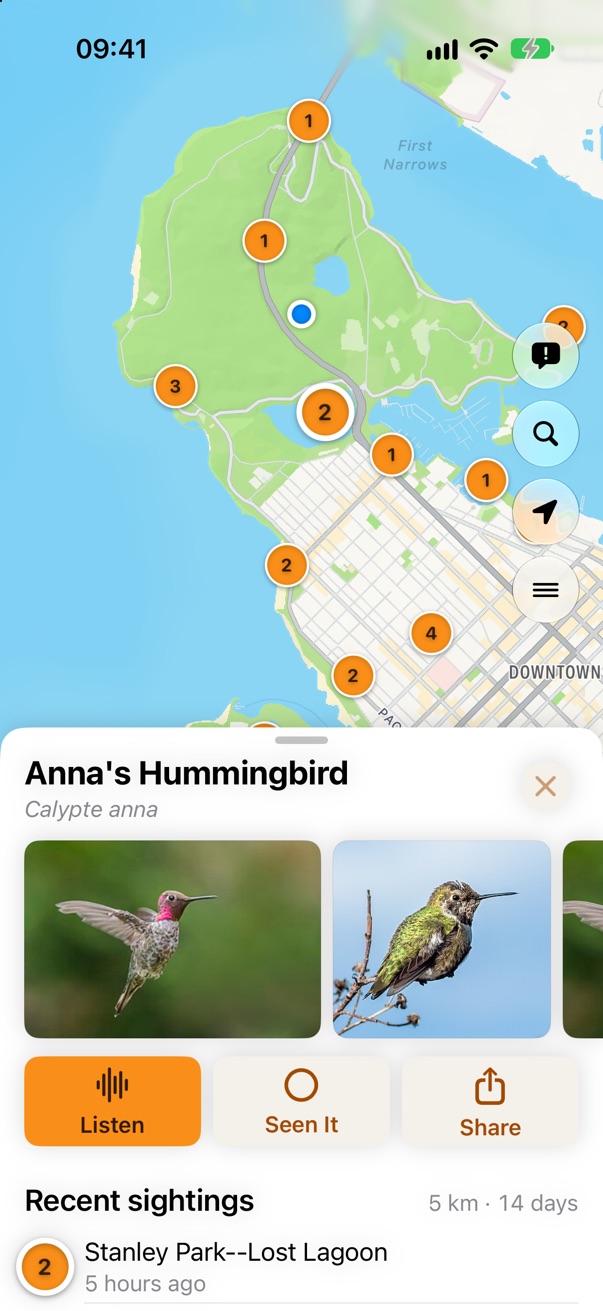
Recent sightings of a bird near you, listed under its photos and marked on the map.
Orange discs with the count for sightings, a dashed ring for the area you're looking at. Red is only for errors.
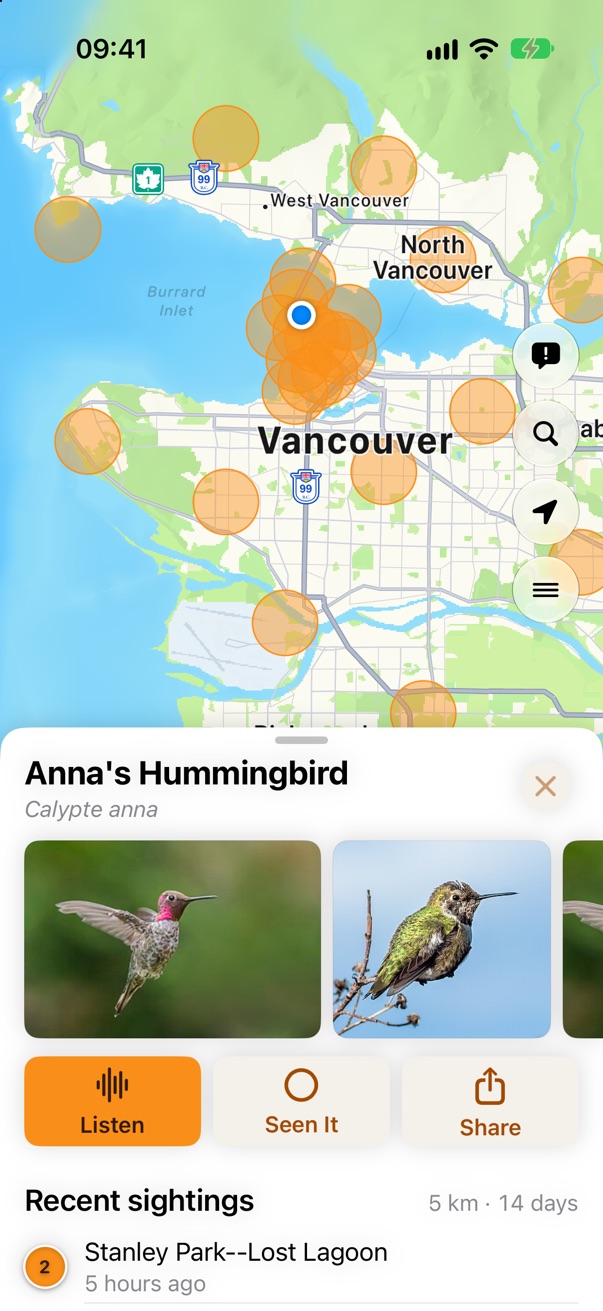
Zoom out and the sightings become orange circles that show where a bird is common.
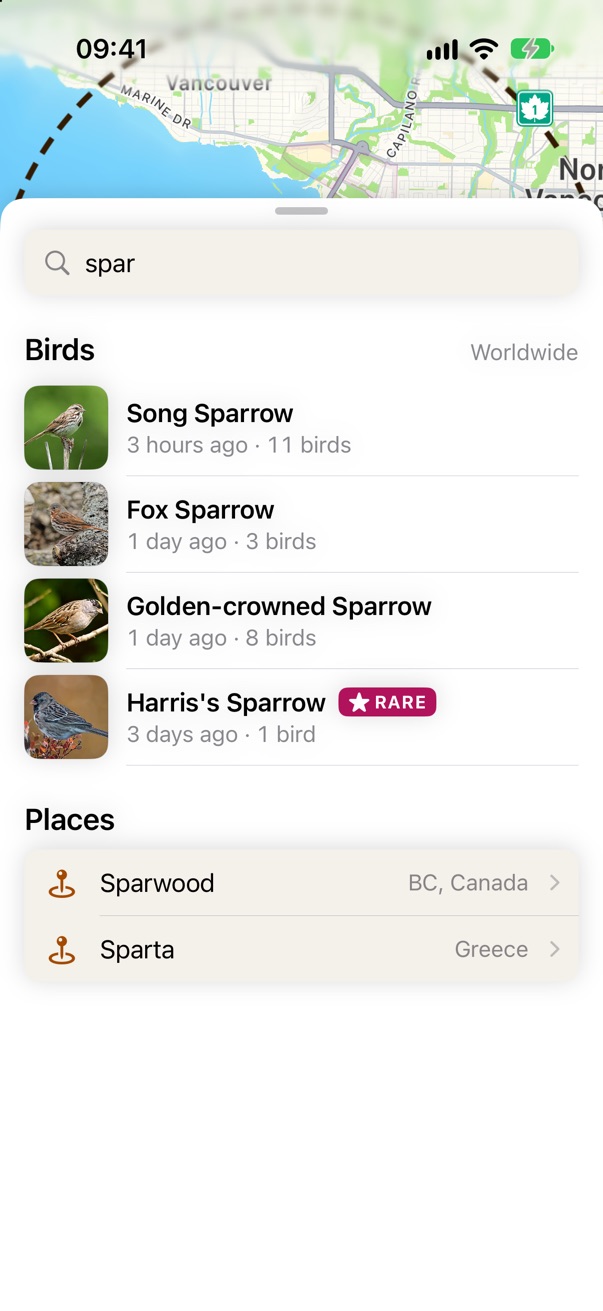
One search box for any of the world's birds and any place. Pick a place and Nearby moves there.
Big boxes for Listen, Seen It and Share. The radius and days pickers are bigger too.
Search, Rare Bird Alert, My Location and the menu sit just above the sheet, where your thumb is.
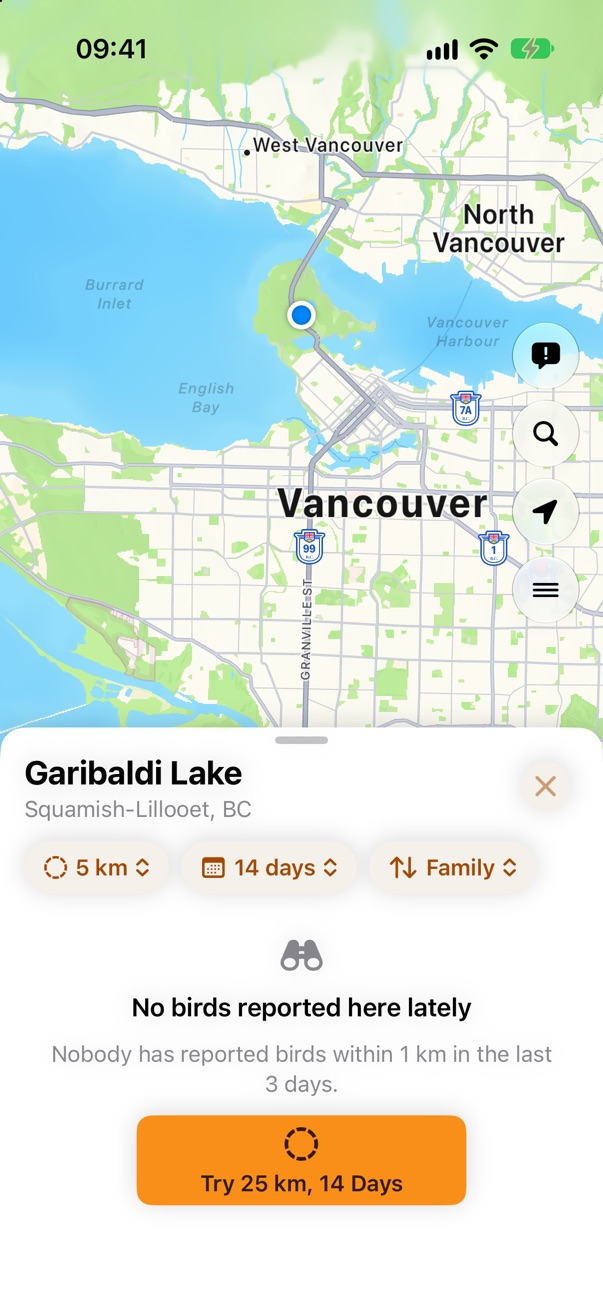
An empty area says why and offers a bigger radius. Offline shows the last list and when it's from.
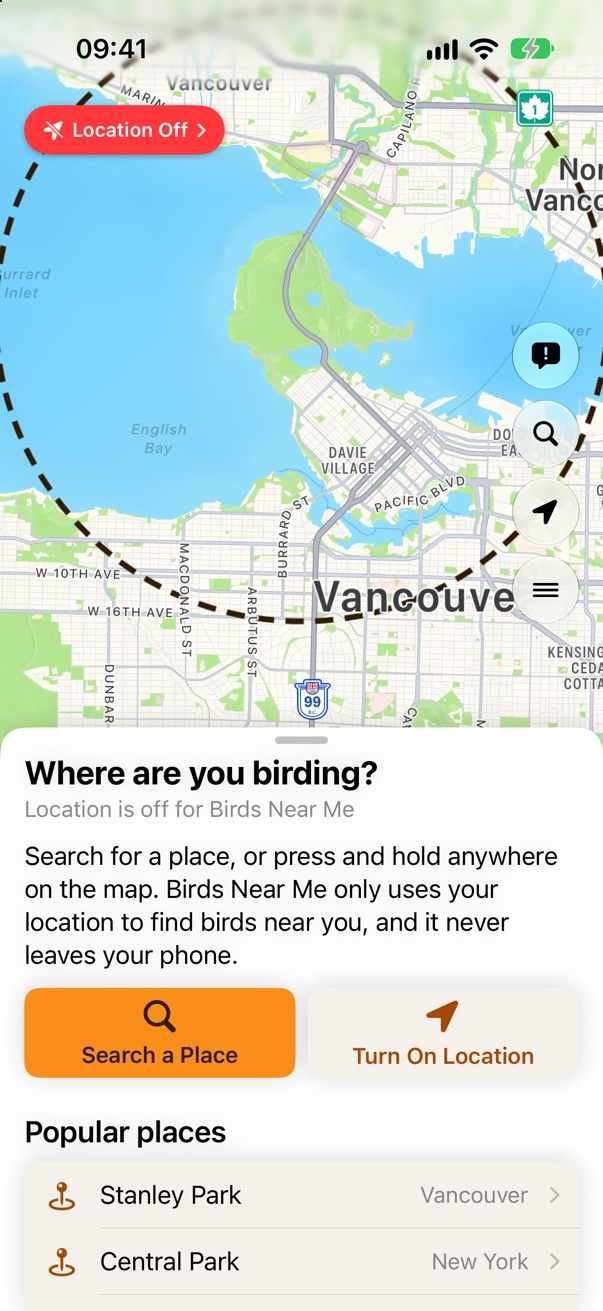
Search for a place or press and hold on the map. Your location never leaves your phone.
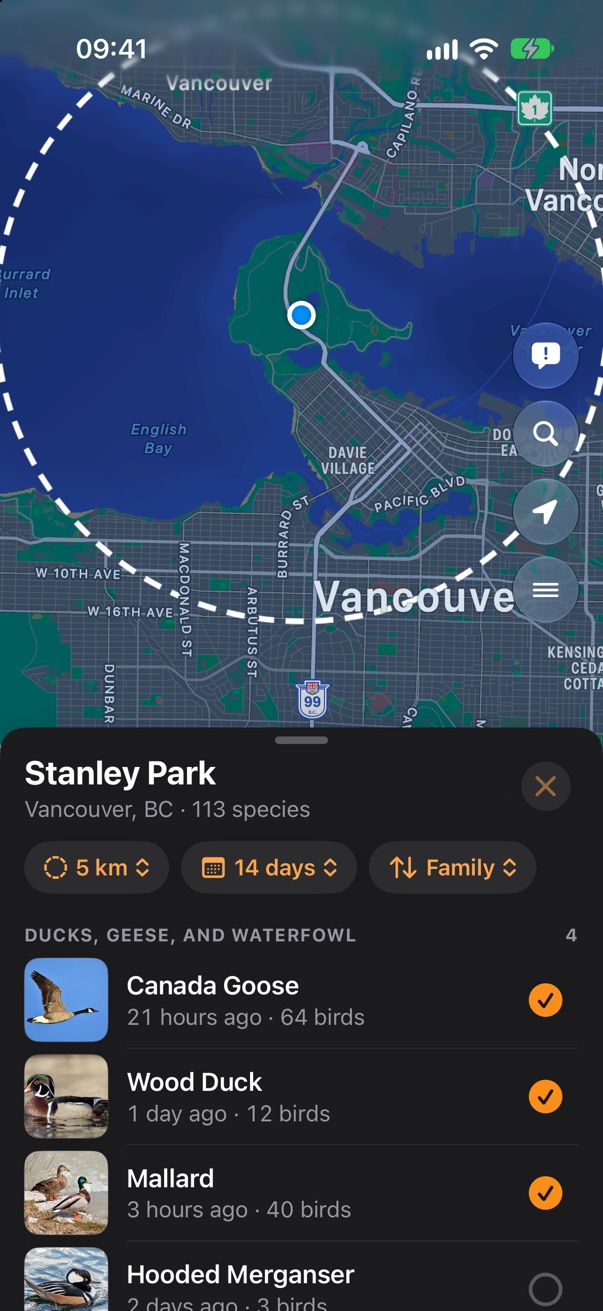
White sheets so photos look their best in sunlight, and a dark mode for dawn.
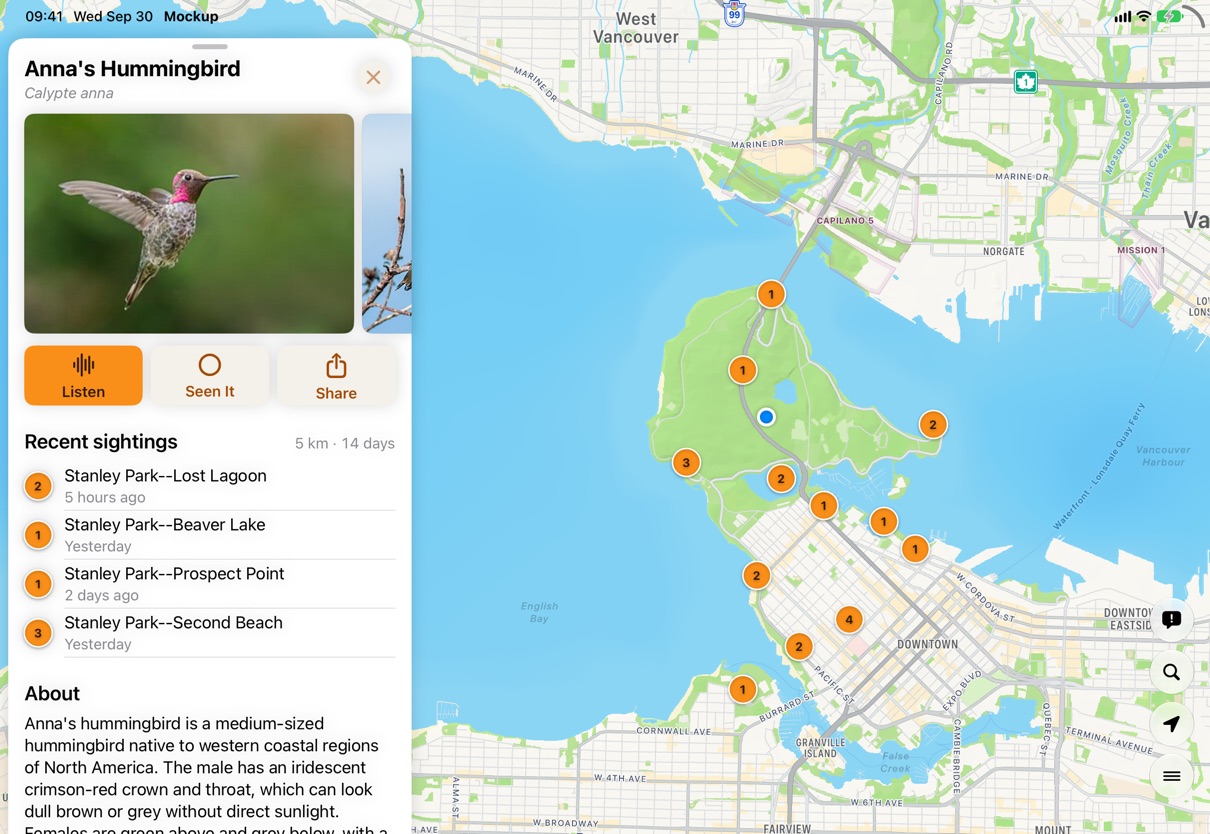
On iPad and landscape iPhone the sheet becomes a column, and the map gets the rest.
Birds Near Me 2 • Send Feedback • Birds Near Me 1 • © 2026 Gerry Shaw